Free self-paced courseTechnologyCourse information available

Animate with Scratch

This beginner-friendly course introduces animation through ordered instructions, events and creative storytelling. Learners build an original scene in Scratch, make a character move and respond, then shape those ideas into a short story with a clear beginning, middle and ending. Every lesson combines a concise demonstration with time to pause, create, test and improve. No previous coding experience is needed, and the finished animation remains the learner’s own imaginative work.

Age range
Ages 7–12
Total learner time
60–80 min
Video time
40 min
Difficulty
Beginner

Creative / challenge time: 20–40 min

Lesson recordings are still being prepared

No payment required

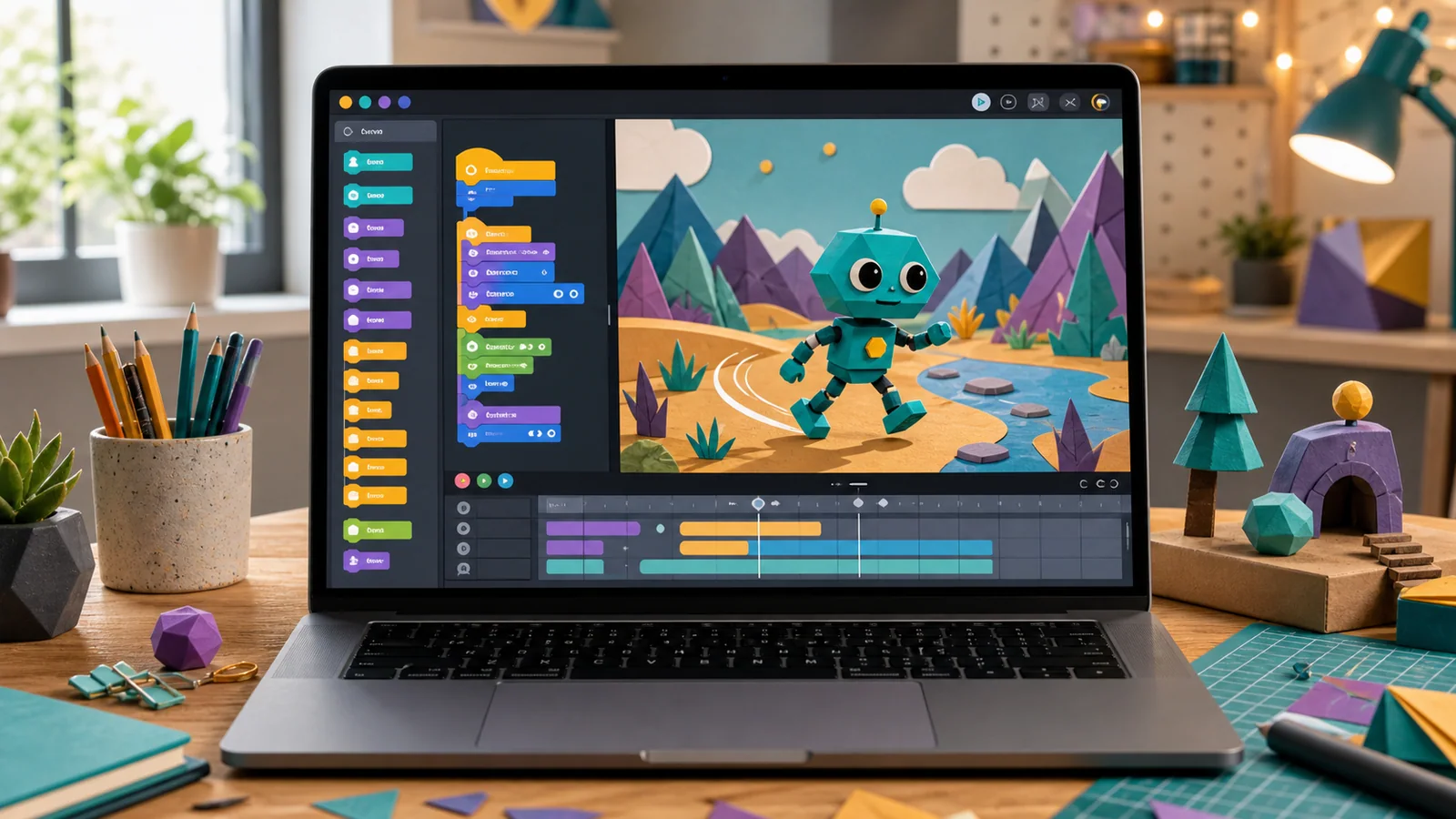
A laptop showing an original animation scene with a friendly geometric character, movement marks and generic coding blocks

This course information is available now. Lesson recordings, captions and the learning area will open after final review.

What you will learn

  • Understand that programs follow ordered instructions.
  • Use event, movement and timing blocks.
  • Change costumes and backgrounds.
  • Add speech or sound.
  • Test and improve an animation.
  • Create a story with a beginning, middle and ending.

Skills developed

Coding • Animation • Storytelling • Problem-solving • Digital creativity

Materials

  • A laptop or desktop computer that can run Scratch.
  • An internet connection for the browser version, or the approved offline editor installed in advance.
  • A pencil and the course story-planning worksheet.
  • Headphones, if sound will be used in a shared space.
  • Optional plain paper for sketching an original character or scene.
Open printable activity sheet

Future Forge lesson formula

WATCH → TRY → CREATE → CHALLENGE → SHARE

  1. 1

    WATCH

    Explore a finished Scratch animation; identify characters, backgrounds, movement, dialogue and sound; learn the basic Scratch blocks.

  2. 2

    TRY

    Choose a character and backdrop; make the character move; add dialogue.

  3. 3

    CREATE

    Develop an original short story; add at least two characters or scenes; add movement, dialogue and sound.

  4. 4

    CHALLENGE

    Add a second scene, sound effect, character interaction, or an automatic animation.

  5. 5

    SHARE

    Save the animation and show it to someone else.

What the learner creates

Your own animated Scratch story.

Parent or guardian note

A parent or guardian can help the learner open the approved Scratch workspace and save the project at the beginning. The learner should make the creative decisions. Encourage them to pause the lesson, try one instruction at a time and describe what changed before offering a solution. No account is required if an approved offline editor is available; if an online account is used, follow the platform’s age requirements and family privacy settings.

Safety and access

Use a device in a shared, comfortable learning space, keep the volume at a safe level and take a short screen break if needed. Do not include a full name, school, address, photograph, voice recording or other identifying information in the animation. Use only original characters and sounds or approved assets that the learner has permission to use.

This free course is self-paced

Work independently through a short, structured introduction and complete one practical outcome at home.

Live guided learning goes further

Paid live lessons add personalised guidance, discussion and access to the wider project library. This free course does not make the full catalogue free.

Explore learning-hour packs